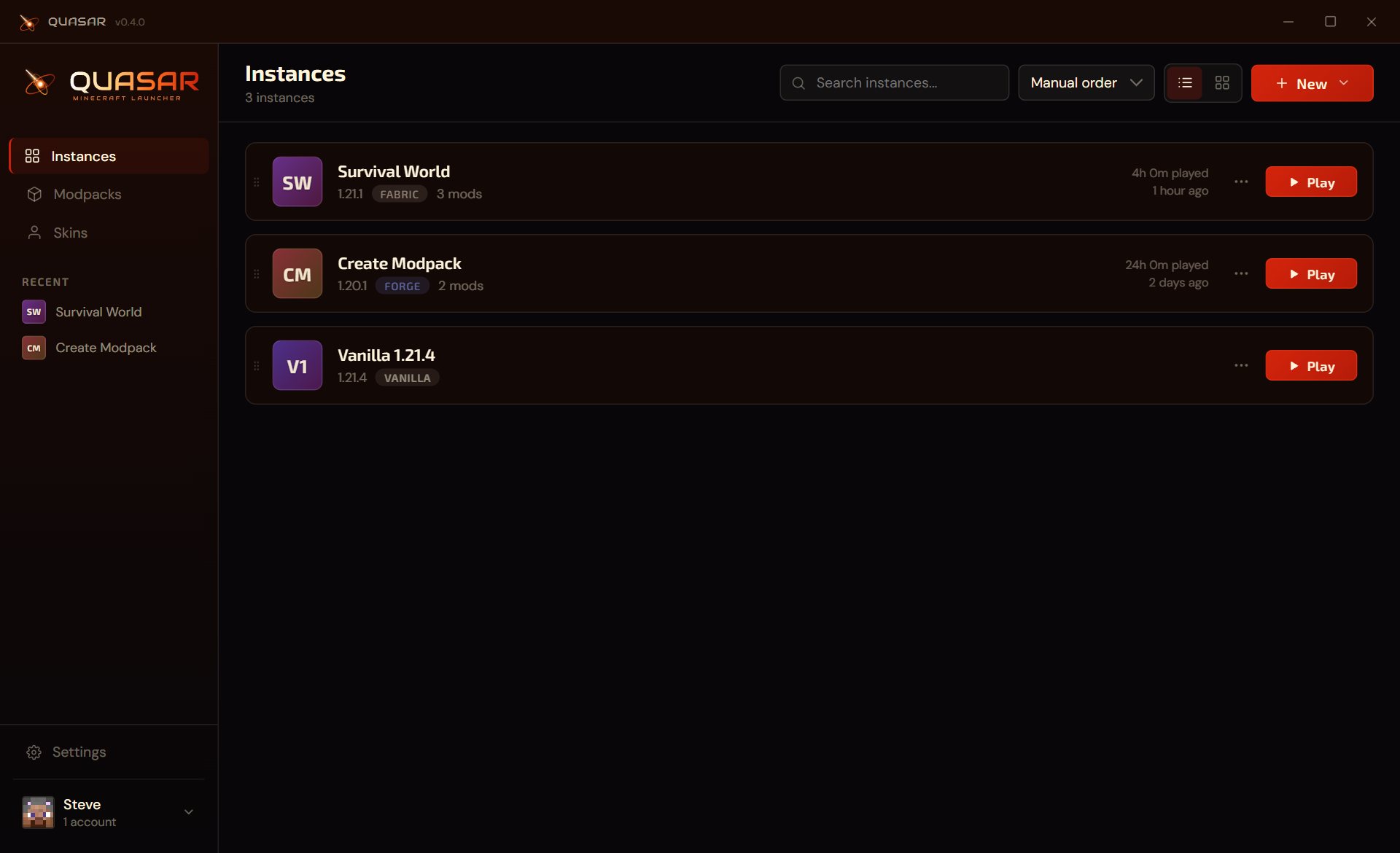
Open this page on a computer to try the live demo.
A free Minecraft launcher for Windows. Install mods and modpacks from Modrinth, run Fabric, Forge, NeoForge and Quilt side by side, and keep your worlds backed up.
Open this page on a computer to try the live demo.
Features
Quasar handles the setup, the downloads and the updates, so you spend your time in the game.
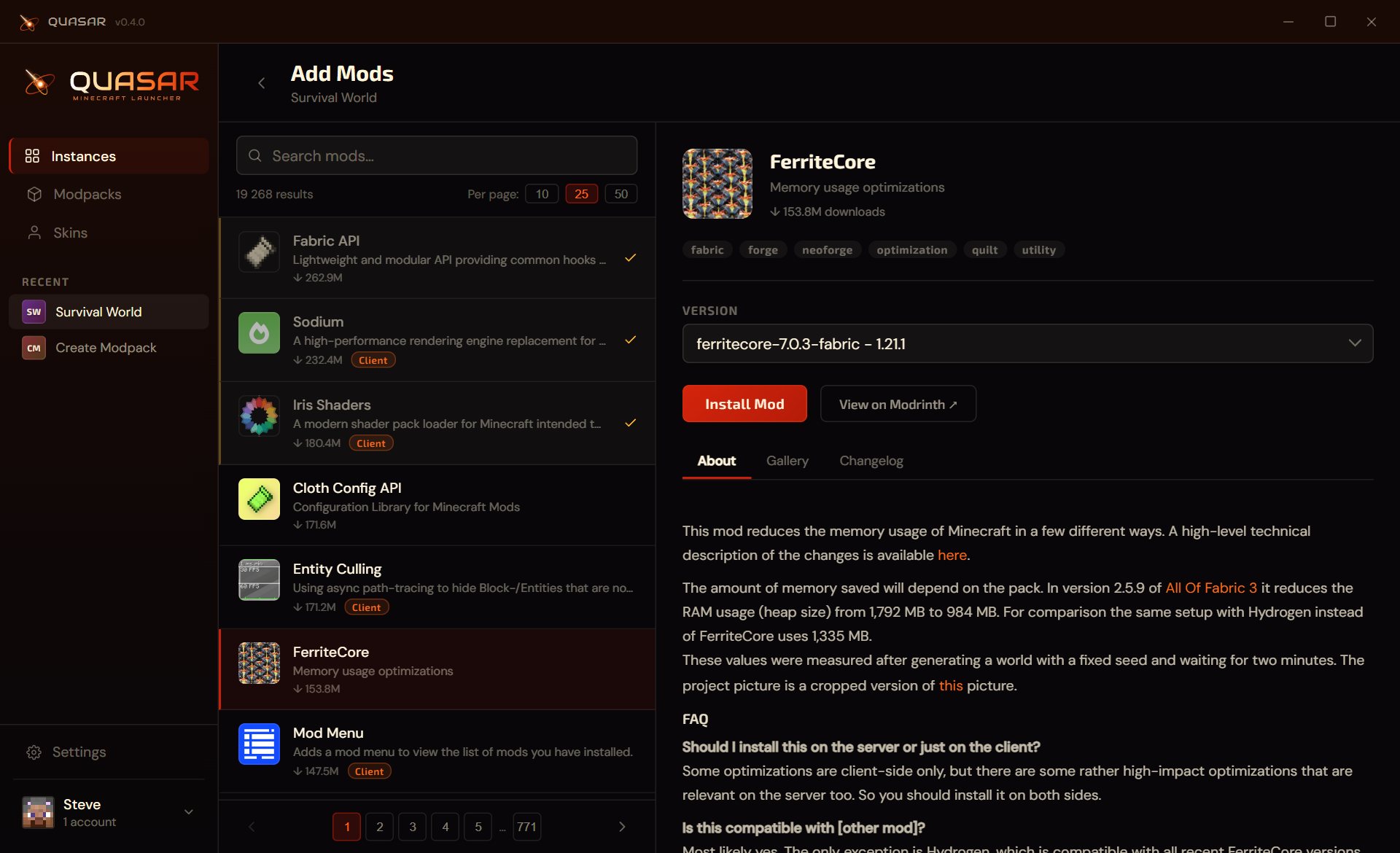
Mods and modpacks
Browse all of Modrinth without leaving the launcher. Results only show what works with your game version and loader.
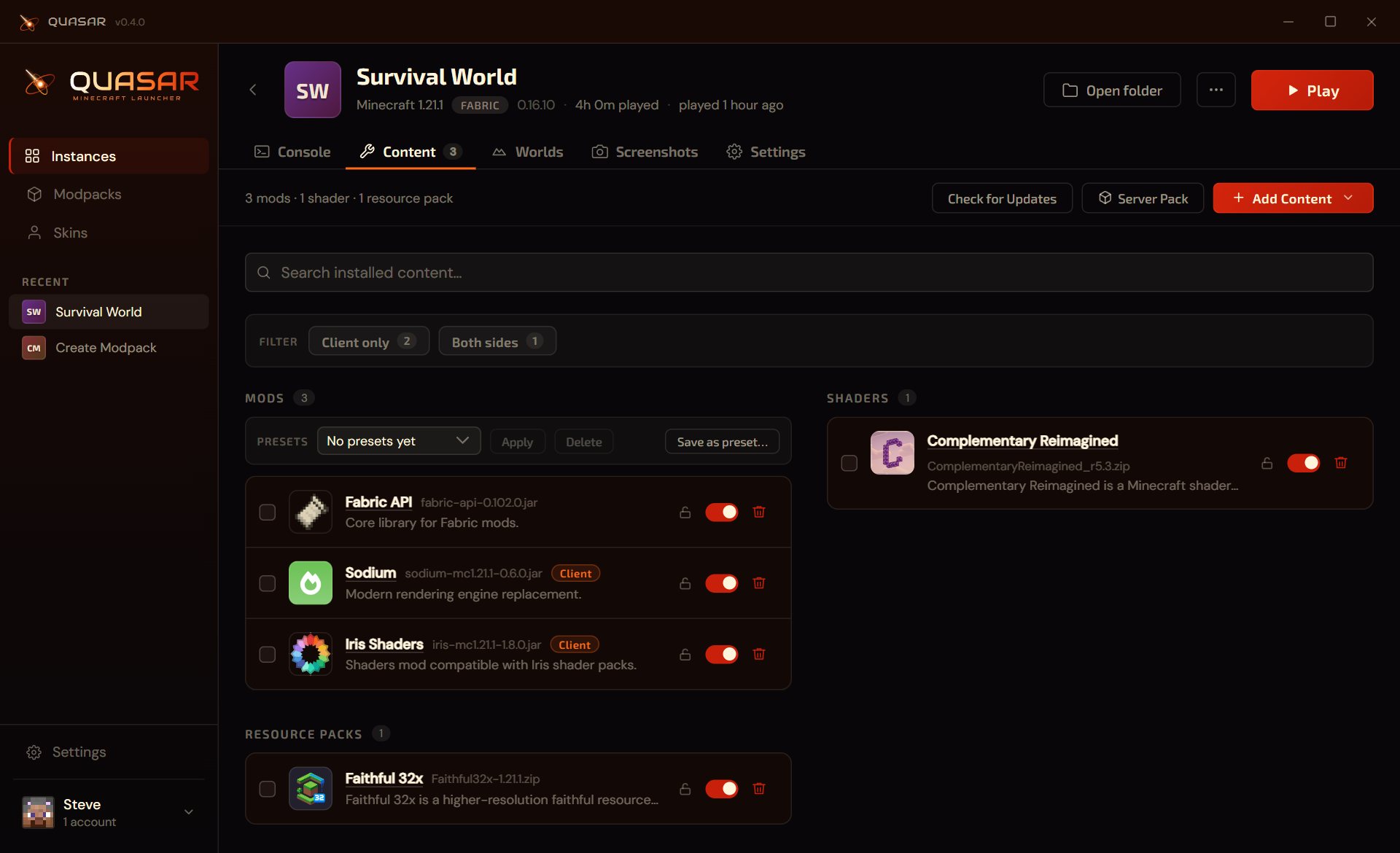
Instances
Each instance has its own version, loader, mods, worlds and settings, so a heavy modpack never gets in the way of a vanilla world.
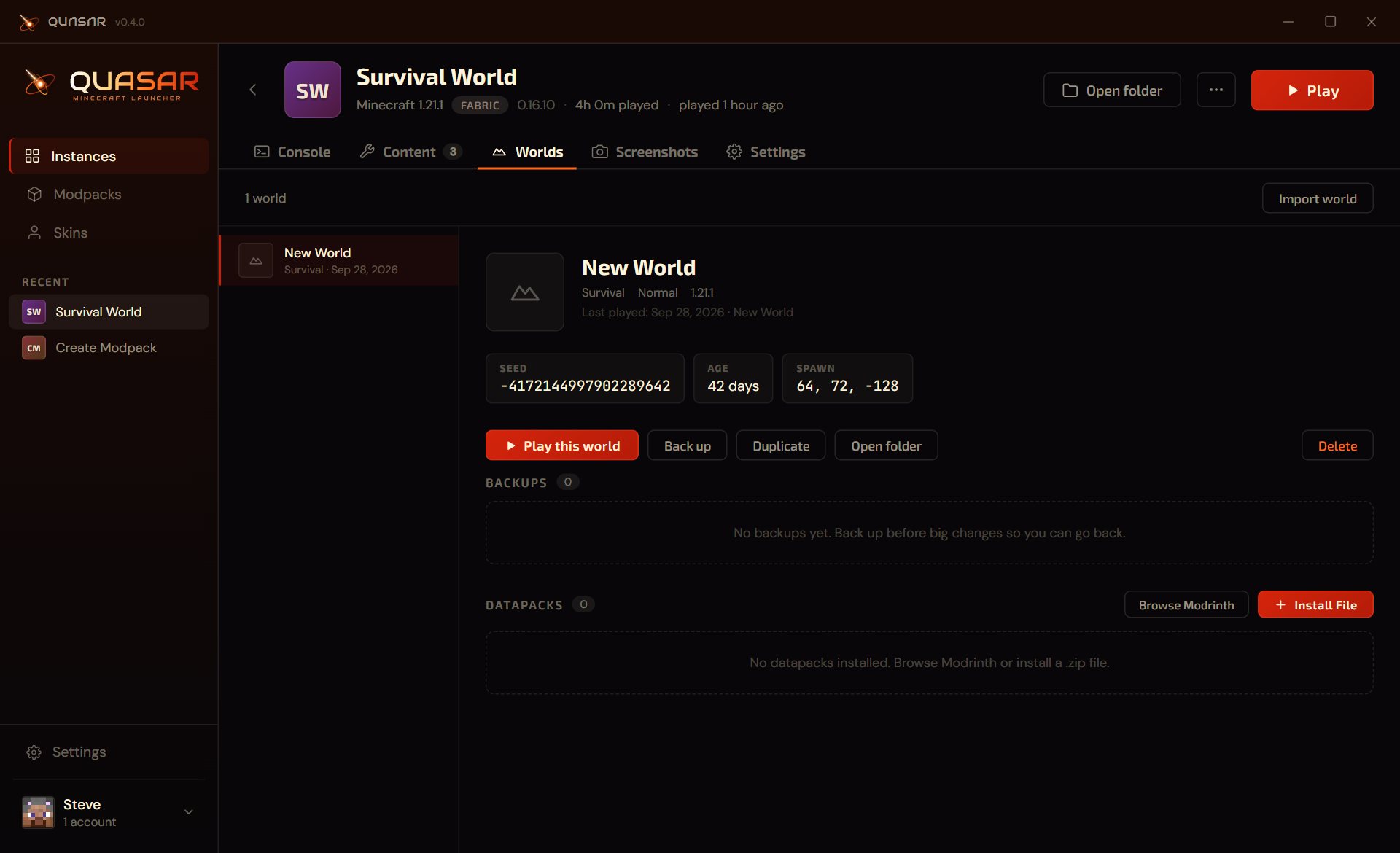
Worlds
See every world with its seed, spawn and age, and keep a copy before you try that risky new mod.
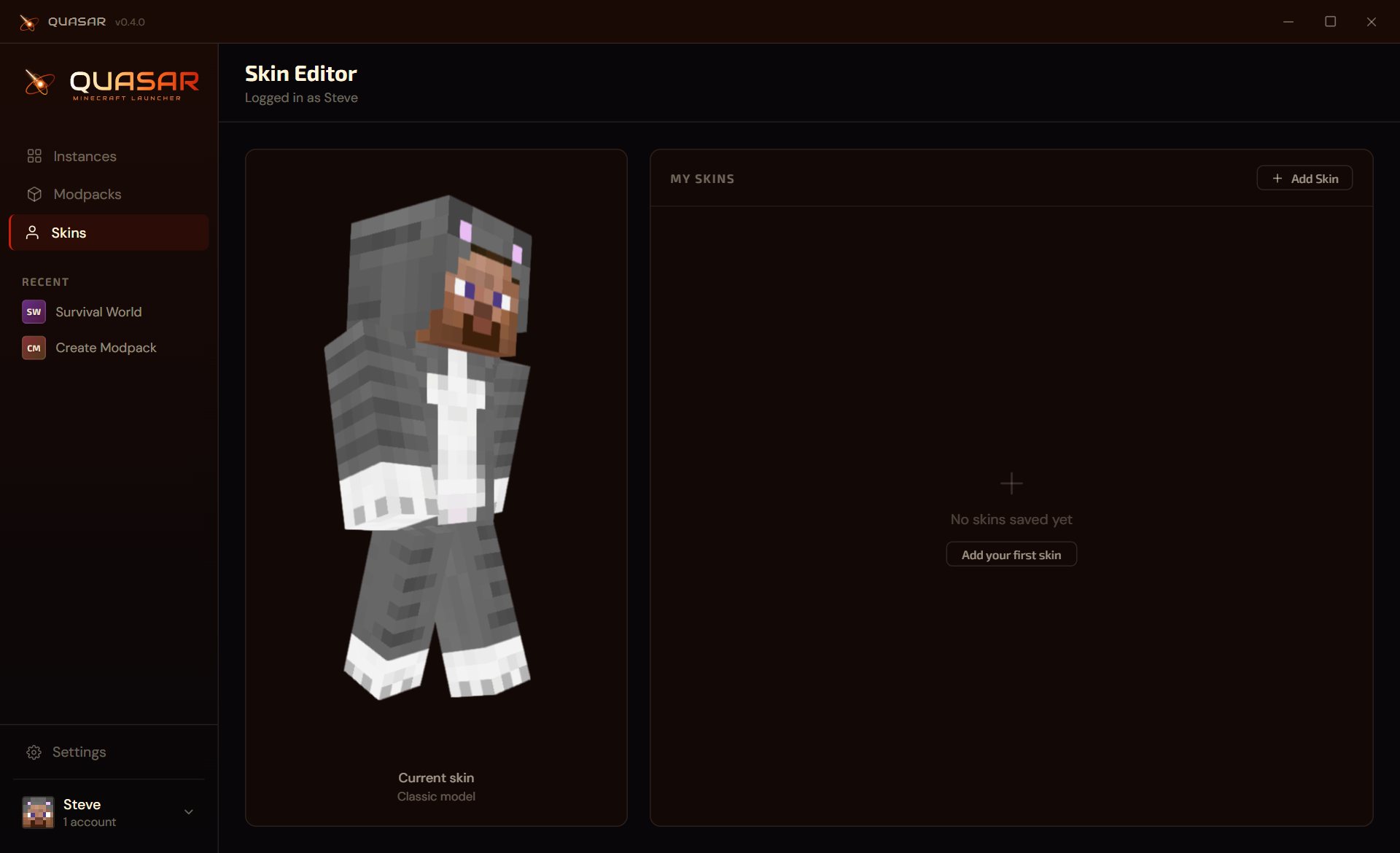
Skins and accounts
Keep a library of skins, preview them on a 3D model and switch in one click.
Crashes explained
When the game crashes, Quasar tells you why in plain words, like a missing dependency or the wrong Java, and takes you to the fix.
Live console
Colored game output with search and filters, logs from earlier sessions, and a Share button that uploads a log for whoever is helping you.
Import and export
Import .mrpack and .qipack files, export your instance to share it, or build a server pack with only the mods a server needs.
Modpack updates
Modpacks installed from Modrinth tell you when a new version is out and update in place, keeping your worlds and settings.
Easy to find your way
Right-click anything for its options, drag files onto the window, and use keyboard shortcuts. The interface scales to your screen.
Your disk, your call
See what takes up space, clean up files nothing uses anymore, and move all game data to another drive.
Discord Rich Presence
Show friends what you are playing, with the instance, version and your skin. One switch turns it off.
Updates itself, safely
New versions install in the background. Every release is signed, so you always get the real thing.
In your language
Available in English and Polish, and translations are plain files you can edit and share.
FAQ
Yes. Quasar is free to download and use. You still need to own Minecraft to play online.
Windows, 64-bit. Once installed, Quasar keeps itself up to date.
Yes. Install any modpack from Modrinth inside the launcher, or import a .mrpack or .qipack file. Mods you already have can be dropped onto the window, and Quasar can match them to Modrinth for updates.
No. Quasar downloads the Java version each Minecraft version needs. You can still pick your own Java per instance.
In your AppData folder by default. You can move everything to another drive in Settings, Storage, which also shows what takes up space and cleans up unused files.
No. Quasar is an unofficial launcher, not approved by or associated with Mojang Studios or Microsoft. You sign in with your own Microsoft account, and game files come from Mojang.
Free for Windows, and it keeps itself up to date.
Download for Windowsv0.4.0 · Windows x64 · September 2026
What's new in v0.4.0